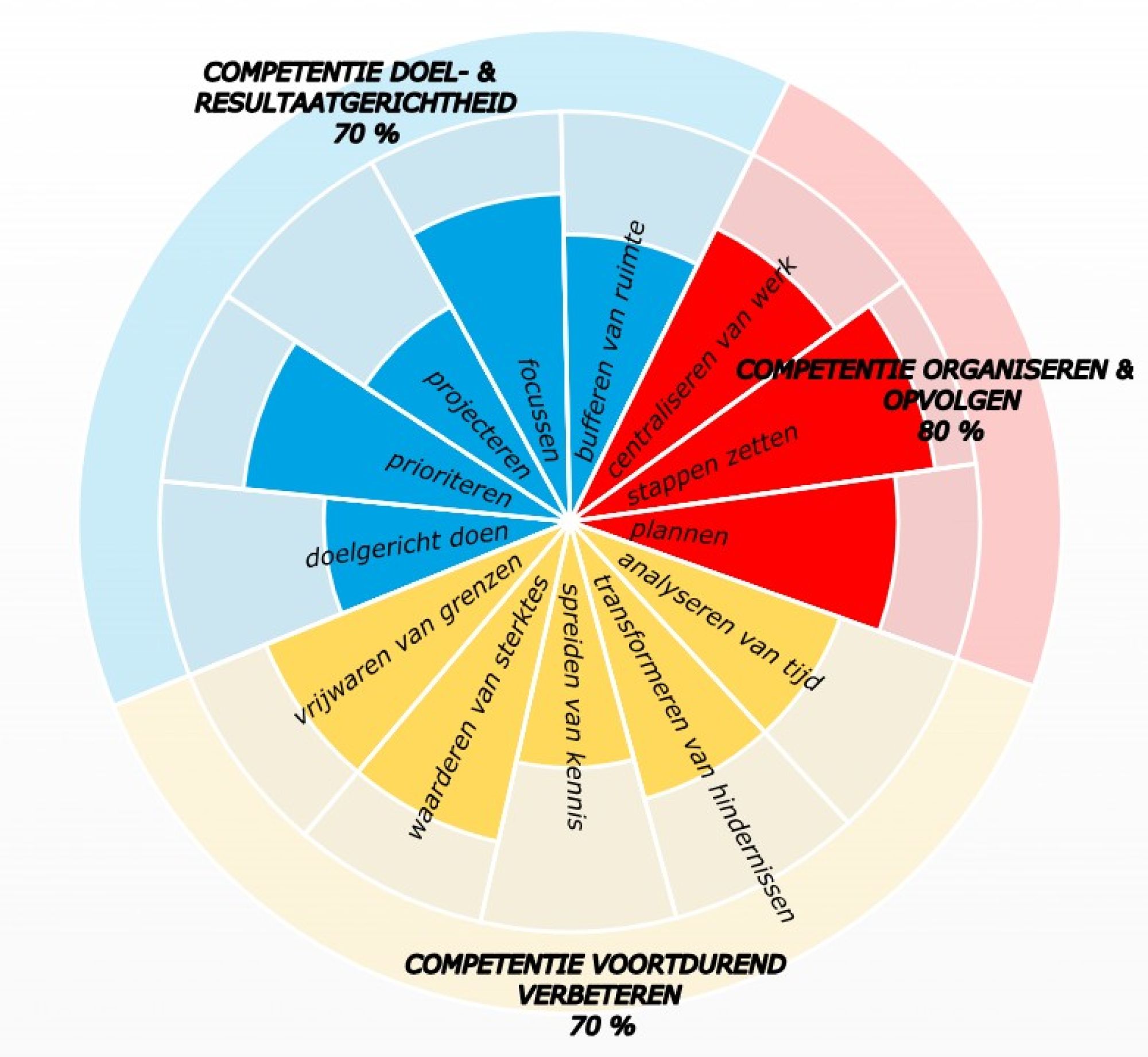
sooooo much to do, I still have so much to do... keep an overview of all your actions!
To do lists! In all shapes and flavors, by the way, and for multiple purposes. To be crazy about it! And if you're not careful, they're ooooo everywhere! Your brain is losing weight and stress is just around the corner... Still, everything is better than trying to remember, isn't it? Your couple is already so full... How do you practically create one solid action list that is useful to you ?
Reflex write down & centralize... keep an overview, save sight!
In the blogs below, you learned to create space in your head for rest and things that are more important than remembering.
- holes in your memory cheese, your personal memory test & the use of writing down
- your head like a flickering Christmas tree & the use of writing down and centralizing
- post-its directly in your inbox, apply them when you're sitting in front of your computer
- what you don't want to forget, straight to your inbox, apply this when you're in the field
The tip was write down & centralize, in your inbox. But then there it is. And it's already so full there! What now?
The blog also wants you - an empty inbox - taught you to grab = decide: delete, pass on and whether or not to follow up, do or move and schedule for later. And you could postpone and schedule that in your agenda or in...
... your actions: your Outlook to-do list!
In this somewhat more technical-practical blog, we do a bit of advertising and you get concrete tips about an unfortunately highly underrated tool from our friend Bill Gates. I myself have been using tasks in Outlook to great productivity for years. Also freedom, by the way, because the to-do list allows me to ;
- nothing to
remember - everything can be found easily and at any time, in a sorting that I choose via categories, see below.
- to make it appear back in front of me at a time when I need it, although I will remain the boss myself, of course.
How does Eda do?
A. create a task?
You can do it in at least 3 quick ways. Join us right away, and it'll be psychomotor in your fingers;
- ctrl+sh+k and you fill in the header, maybe additional information in the body, just like an email or an appointment;
- you drag an email to your to-do list
- either with the left mouse button - and he copies the text
- or with the right mouse button - and he gives you the choice, including the entire mail - with attachments! - to copy or move, at your own will;
- you flag an email by clicking on the flag at the back.
B. set a specific date?
- for a task, you can possibly add a start date, the day you want to pick it up again. Outlook automatically keeps the same due date, which is also logical and desirable, because - technically - only 1 date is important; the date you will work on it ;
- in the case of a flagged email, right click on the flag at the back and choose a desired date; don't set a date; then it's still an idea, something you don't want to forget and still want to keep: an action is a treat with a deadline.
- If there is no deadline, it will be an idea .
C. make a subdivision?
With categories - in the Flemish vernacular: the color keys - you can provide the type of to do list in Outlook; click on that icon and choose all categories, you can change them as you prefer: create new, change name, change color, specify keyboard shortcut...
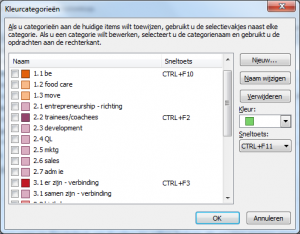
SMART TIP: immediately add a number - as above - in the description of your categories, so that you decide how Outlook ranks and displays your categories.
D. and now overview!?
In the Outlook To-Do List, you can create overviews to your heart's content; you choose the Task List with the flag at the top left and via Change View, you go entirely for the Active list.
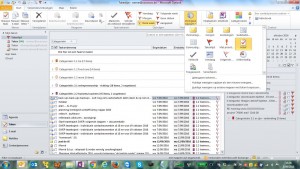
Then you can sort to your heart's content again, e.g. by clicking on the start date or on the category in the task bar.
E. even nice to know!
- Once you've set up categories, you can use them throughout Outlook: in your mail, calendar, contacts, etc.
- You can use multiple categories per Outlook item - mail, task, appointment... which makes it possible to approach from different angles!
And... action!
- How distributed are your to-do lists and what does that do to your attention?
- What would it feel like to work with just one centralized to-do list in the future?
- What action do you take to do that?
As a manager:
- To what extent do you have an overview of everything that is pending?
- To what extent do your team members have an overview and what effect on productivity and well-being?
- is everything running? Kudos to them right away !
- it can be even better; forward them this blog post and put it on the team agenda.
- what short and long term action to further improve?
psssst: Outlook has been working on an alternative to the Tasks for years. This is what MS planner looks really good, there is the MS to do app, but I myself am still waiting for good integration into Outlook, as I now get my agenda and action list in one overview every day. Visually. Strong. Practical.
- If you have a nice anecdote or question about this, send me a message!
- With the FORWARD button below, you can share this blog with a peer.
- If you want to score yourself on time competencies, fill out your self-scan!
- If you want to get to know the whole method, read the book GOD - Goal Oriented Doing.
One life, live it & love it!
Your time profile + immediate advice?