archive, archive, whoever does their best will learn: keep an active and permanent mail archive!
What does a mail archive or ranking really cost you? How many times do you re-capture emails? And put it in bold again and drag somewhere and reprocess periodically to finally throw/delete it or leave it behind - with a new job. Or even; having the intention to do it and push forward over and over again until you can't delay it and your inbox is full and full .

Don't store information, keep an overview...
... I once read in a blog. A strong one! Actually, it's a bit like organizing your kitchen; the more often you need it, the easier to pack, but so that it doesn't get in your way and draws your attention unnecessarily, it's pretty much out of sight.
A distinction can be made between a permanent, an active and a vertical mail archive.
Your active archive?
Your active archive contains data that you still need to do something with operationally; e-mails that you are still working on. Do I have to do anything else with it?
Within the Goal Oriented Doing methodology, your active archive consists of your agenda and action list, your radar, as it were: your agenda - the first a and your action list - the second a - in front of you at a glance.
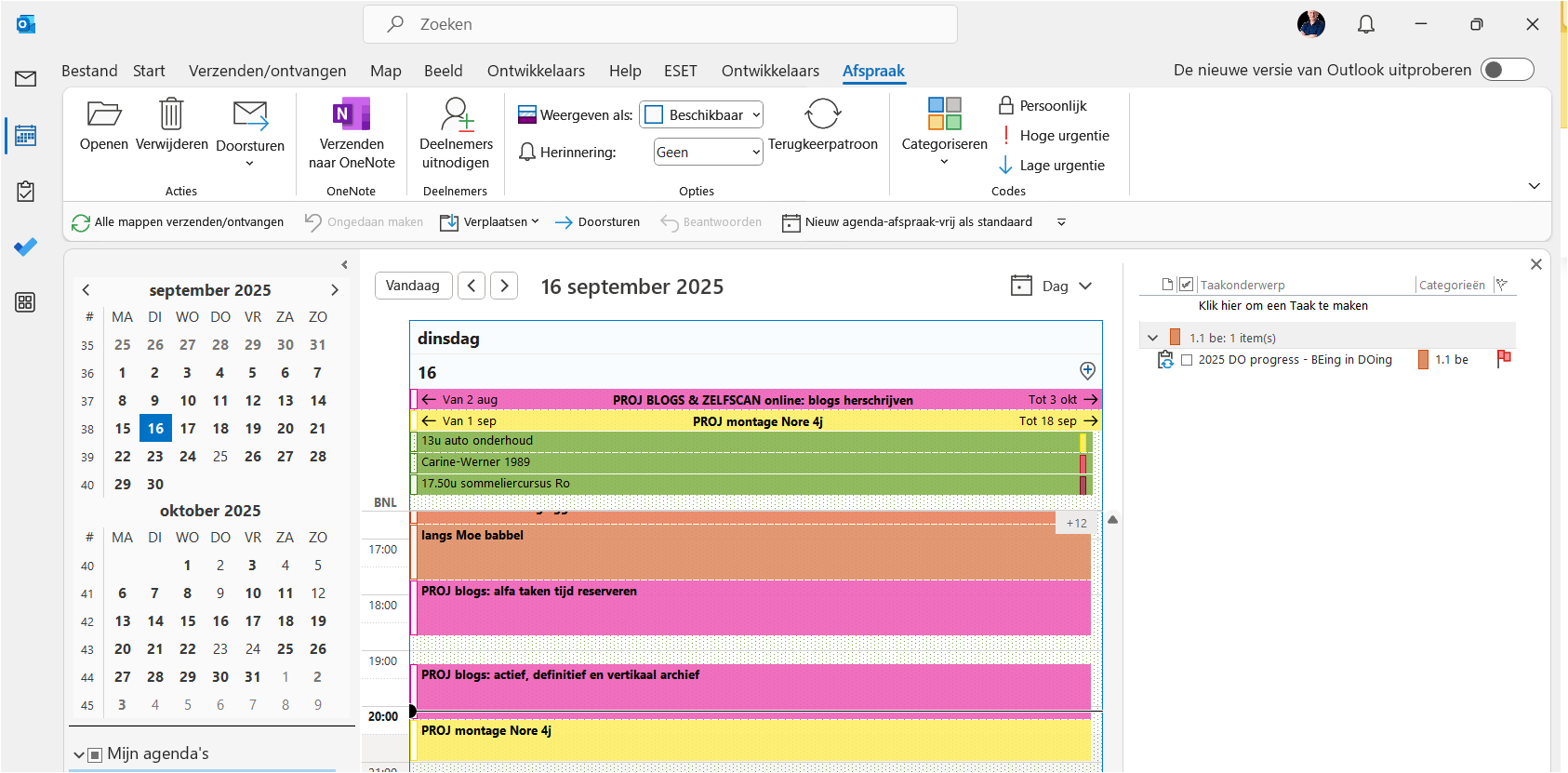
That radar ends up in what you have still reserved time for and should therefore pay attention to/focus on. A matter of one-time Outlook settings.
Your definitive archive?
Your definitive archive will contain everything that you no longer need to have an immediate savvy hand, but still want/need to keep. Will I ever need it again?
People often still archive this in a folder, a tree structure where you can't see for the trees through the woods. And then you get an email that you could put in two - or three - different folders. What now? Or even: you drag an email to a folder somewhere deepdown and you release it too early. Where is he now?
Nowadays, however, the search function of most programs is so strong that I myself - as a former controller, perhaps a tree structure equivalent to an entire rainforest - throw everything in one folder under my inbox: permanent archive. With the added advantage: everything is there. No more searching.
Your vertical archive?
What about your vertical archive, also known as a circular archive? Does the argument need to be made? Dump that trade! What if I delete it?
You are completely free how you deal with this, of course! Some people delete everything - or most of it -, others have their own criteria, others keep everything. The latter is pretty easy, by the way: at least you don't have to think about keeping it or dumping it, which works very smoothly.
Personally, I make it a habit to process emails from the inbox immediately to one of those three archives. Read about this in the blog: do you also want an empty inbox: grab = decide!
And of course, in your appointment or task, you make links to the necessary files on your hard drive via the Insert tab, choose Hyperlink, search your file, double-click, done! For example, when you start your task, you don't have to first gather all the documentation...
So use an easy and fast archiving method and keep your inbox empty!
And... action!
- What does your active archive look like: do you have a good overview of everything you still need to do?
- Or do you use your inbox as an action list? Not a problem in itself, as long as you have an overview!
- What are you still up against and what can you improve?
As a manager...
- How does your team deal with mail traffic?
- Do you think they can still see the trees for the woods, does everyone still have the illusion of control?
- What could be improved about how you and your team deal with mail?
- If you have a nice anecdote or question about this, send me a message!
- With the FORWARD button below, you can share this blog with a peer.
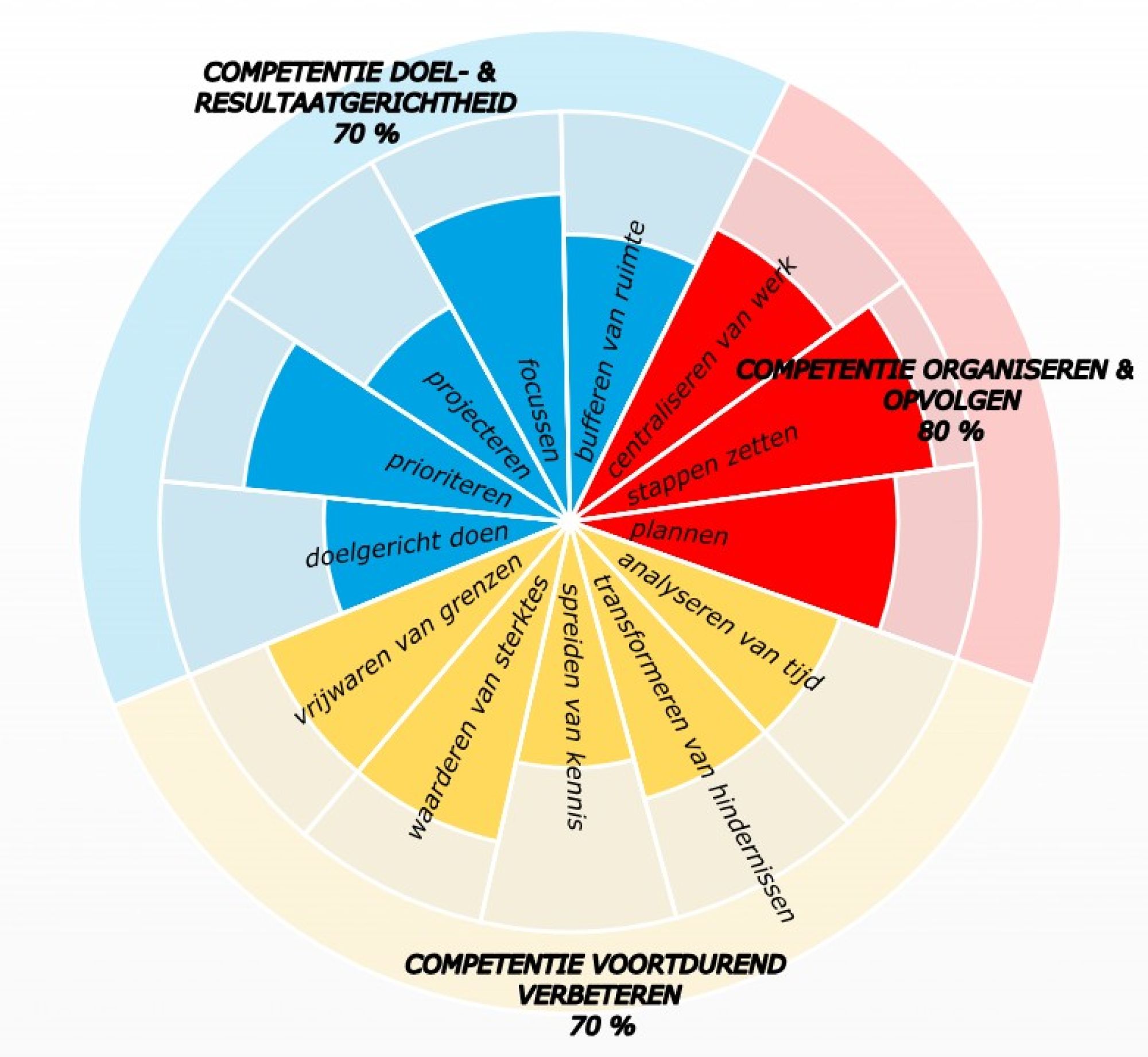
- If you want to score yourself on time competencies, fill out your self-scan!
- If you want to get to know the whole method, read the book GOD - Goal Oriented Doing.
One life, live it & love it!
Your time profile + immediate advice?