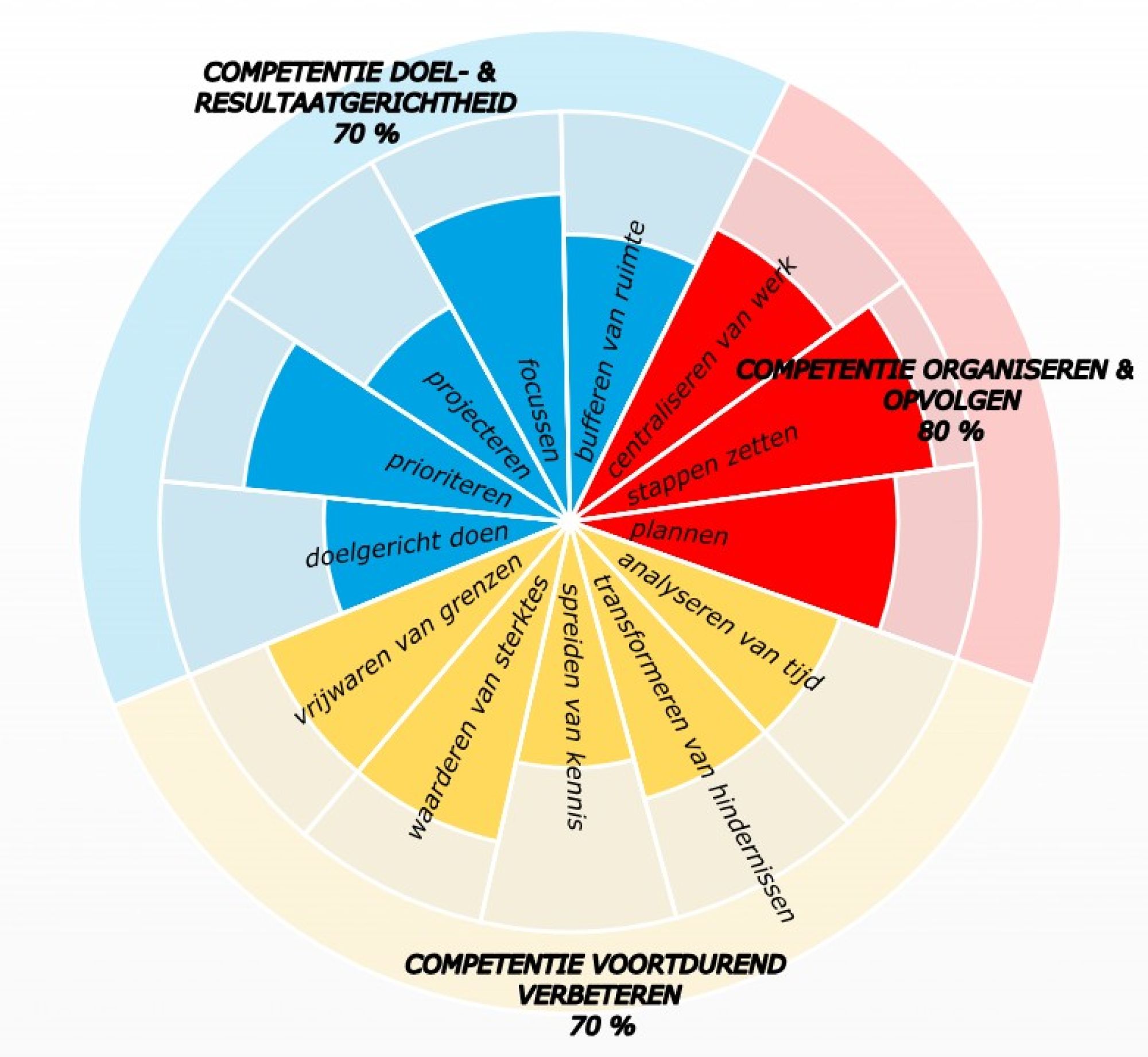
how to process mail avalanche super quickly and effectively after your vacation?
No matter how clean leave can be, it stops somewhere. Totally relaxed? Batteries charged? Welcome back to work! And what do you tackle first?
The most important thing first!
If it's okay, you've certainly already saved space that first, chilly week after your vacation. See a previous blog prevent leave stress: keep space before and after!
issues of the day will at least have less control over you and you can focus on the work that really makes a difference.
But still...
... you won't escape it either!
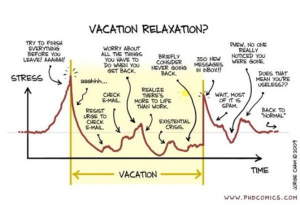
Unless you secretly checked your mail on vacation, or you had a very assertive absence message, hundreds of emails are now trickling impatiently into your inbox, waiting, pining, begging to be processed.
Which emails do you read first? What will you get started with first? If I ask that question at a workshop, you get all kinds of answers :
1. Start at the tail!
Read the last email received first: it may be the latest in a series and you simply scroll down the email to see the response history. By the way, you can simply sort by clicking on the received/received header in your mail bar .
2. Put them together!
Group the emails by subject so that they are together: right click!
mouse button on the mail bar -the one with the headings in-, choose the first option Arrange by/Arrange by and select View in groups/Show as discussion in the window that appears.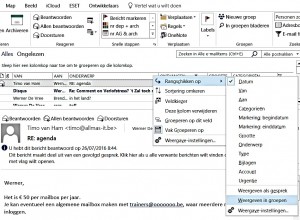
This ensures that emails with the same subject are grouped so that you have them together - provided with a triangle in front to expand or fold - and at the same time, for example, categorised or even dragged into your final archive - read more about this in archiving, archiving, whoever does their best will learn!
3. Throw them out!
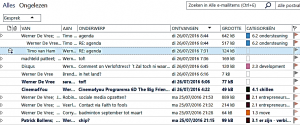
Of course, you can also be even more firm and delete your unnecessary emails from the start! To do so, choose the Clean, Clean Folder and Subfolders icon and Outlook only keeps track of the relevant ones from mail discussions: the last one and those with attachments .
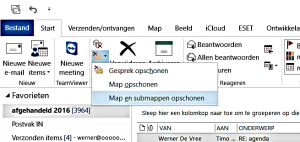
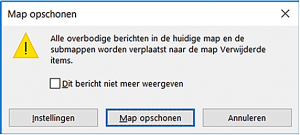
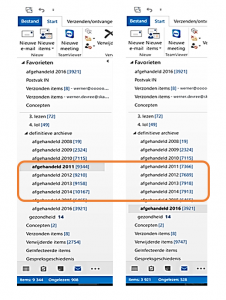
Below is a before and after example, applied to my final archive. Of course, that can also be in your inbox after returning from vacation.
4. clear your inbox!
Get started, read here how this can be very practical: do you also want an empty inbox: grab = decide!
And... action!
- Do it right away and see what effect it has on you: so many fewer emails you have to hold, delete them, save so much time and attention!
- Also read the other tips and stay in the leave mood for a while...
prevent leave stress: keep space before and after!
double stress when your colleague is on vacation: keep it in mind!
You are a manager?
- How do you apply the tips yourself?
- How smooth is the vacation period in your department?
- Read what causes quantum leaps in the planning: your schedule is never correct: prevent, buffer and keep it realistic!
- If you have a nice anecdote or question about this, send me a message!
- With the FORWARD button below, you can share this blog with a peer.
- If you want to score yourself on time competencies, fill out your self-scan!
- If you want to get to know the whole method, read the book GOD - Goal Oriented Doing.
One life, live it & love it!
Your time profile + immediate advice?